Your Path To The Perfect Game
Don't guess on your guest's experience. We've used 14 years of experience to help 15,000+ customers choose the right set to transform their outdoor entertaining.

Select Your Size
From 7-inch sets to massive 6-foot showstoppers, find the ideal scale to transform any indoor or outdoor space.

Pick Your Style
From durable plastic to stunning LED to personalized sets, find the perfect set to match your unique vision and lifestyle.

Match Your Board
Choose a portable mat or permanent surface to complete your game destination with the perfect foundation.
Transform your space into a hub of connection and start making memories that last a lifetime.


| Features |

Durable and Affordable - Plastic Giant Chess Sets
|

Luxurious and Long Lasting - The Perfect Giant Chess Set
|
Upgrade your Set! |

LED Light-Up Giant Chess Sets
|

Personalized Giant Chess Sets
|
|---|---|---|---|---|---|
| Attractiveness |

The Standard
|

The Upgrade
|
Take a
megachess set
and make it yours!
light it up with
your favorite color
and/or add a decal
to make it extra special!
|

Light Up The Night
|
Make Yourself Known
|
| Price |
Something for everyone!
$69 |
The upgrade that
outplays the standard From $1499 |
Upgrade for as little as
$150 |
Upgrade for as little as
$200 |
|
| Durability |

Out Door Ready
|
Commerical grade
|

Weather Proof
|
Weather Proof
|
|
| Height |
8"- 49"
Most popular 25" |
26", 38", 48"
|
25" - 48"
|
8"-72"
|
|
| LED Compatible |

25" Set
|
All Sets
|
Plastic - 25"
Perfect - 24, 36, 48 |
Plastic - 25"
Perfect - 24, 36, 48 |
|
| Personalized |
All Sets
|
All Sets
|

Add your logo, favorite sports team, or your spouses
beatuifl face!
You tell us and we will make it happen! |
||
| Construction |
Two piece design
|
Single piece design
|
Single and Two piece design
|
Single and Two piece design
|
|


Upgrade your space with our Teak and Topiary giant chess sets and individual Fiberglass pieces. Enjoy a 30% discount on top-selling chess pieces - applied at checkout.
Shop the Clearance Sale


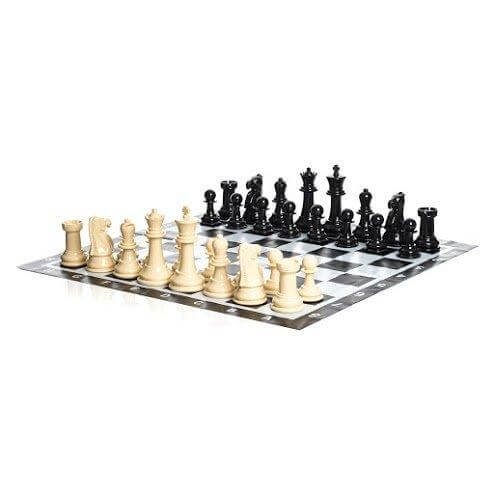
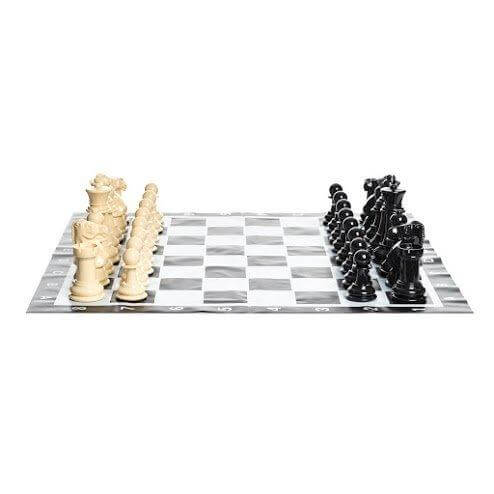


You can find a life-size chess set on playgrounds and at backyard bashes. People are drawn to these mind-challenging games, made even more engaging by their oversized pieces. Chess is a great way to teach children strategy and quick thinking. Adults love that chess keeps the mind sharp. Like all our large outdoor games, our chess sets are made of durable materials, making them ideal for outdoor play.
With over dozens of giant chess sets available featuring large chess pieces in a variety of materials, you're sure to find the game that will elevate your space and impress your family, friends and visitors.
What Kind Of Chessboards Are Best For A Yard Chess Game?
MegaChess has chessboards made from different materials based on the intended use of your outdoor chess set:
MegaChess can help you create the finest outdoor gaming experience with giant chess sets that challenge players of all ages.
Start putting together your outdoor chess set today!
MegaChess specializes only in giant chess, so our products and guidance are deeper and more accurate than general game sellers.
We offer the widest range of sizes and materials built for real outdoor durability, plus boards for every surface to prevent sizing and installation mistakes.
We also provide customization, replacement pieces, and long-term support that competitors cannot match.
Every space has a different story. We’ve redesigned our 2026 collection to ensure you get a set that perfectly matches your environment, usage, and style:
Yes! We act as your expert guide to help you brainstorm a one-of-a-kind space that reflects your specific vision.
We offer a free design review where we analyze your site, budget, and intended use to provide personalized recommendations.
We have personalization options for most games we make!
Great question. While the specific size set is unique to your needs, here is a general guideline:
If you are unsure, 25 inch is the safest pick for homeowners.
Feel free to reach out to us by phone, email, or chat with any questions about our sets. We are happy to help!
Absolutely. We’ve helped thousands of schools create engaging spaces.
Our giant chess sets, checkers, and chessboards have passed rigorous US Child Safety Testing designed to keep children safe.
Our plastic is non-toxic with rounded edges, making it safe for kids, while the durability ensures it stands up to the "enthusiastic" play styles of a busy playground.
Don't let one missing piece ruin the whole game. Unlike many retailers, we carry individual replacement pieces for all our sets. We make sure your game stays complete so the fun never has to stop.
If you are looking for a giant chess piece as decor or as a prop, we sell more than 230 individual giant chess pieces!
Maintenance should be the last thing on your mind. Because the plastic is non-porous, a simple rinse with a garden hose or a quick wipe with a damp cloth is all it takes to keep your set looking brand new.
Most orders ship the same day or the next day and arrive by FedEx Ground in one to four days anywhere in the continental US.
Freight shipments follow similar timelines but can vary by carrier.
Custom items generally arrive within 14 days.
We do! We ship to all over the world. To receive a quote, you can email us at info@megachess.com. To provide a quote, we need to know -
Once we have that information, we'll send you a quote and answer any questions you have.
If we still haven't answered your question, you can contact us below and we will get back to you as soon as possible.
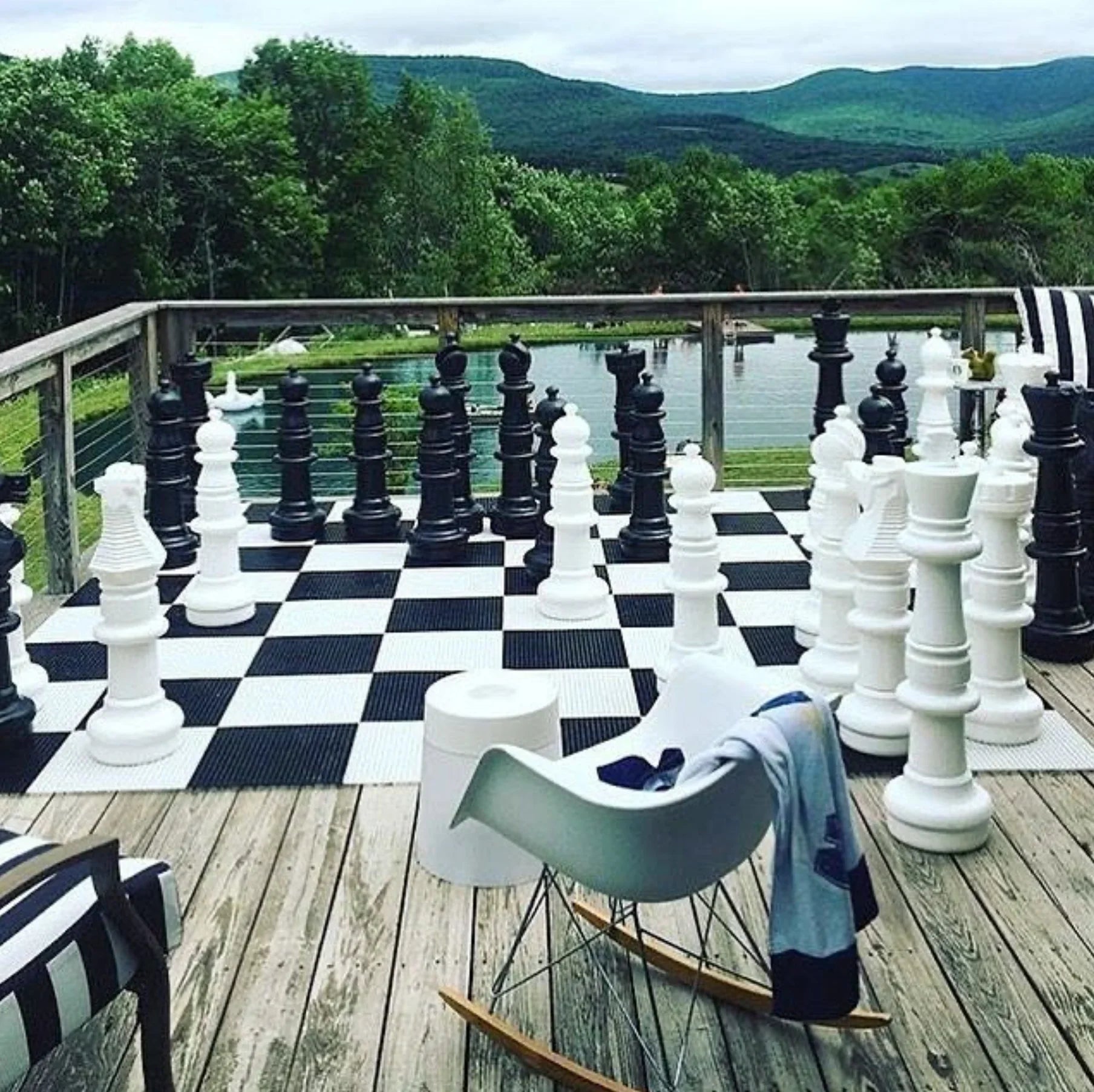
Discover how to get a giant chess set with our guide covering pre-made vs DIY options. Find the perfect fit for your budget and space today.
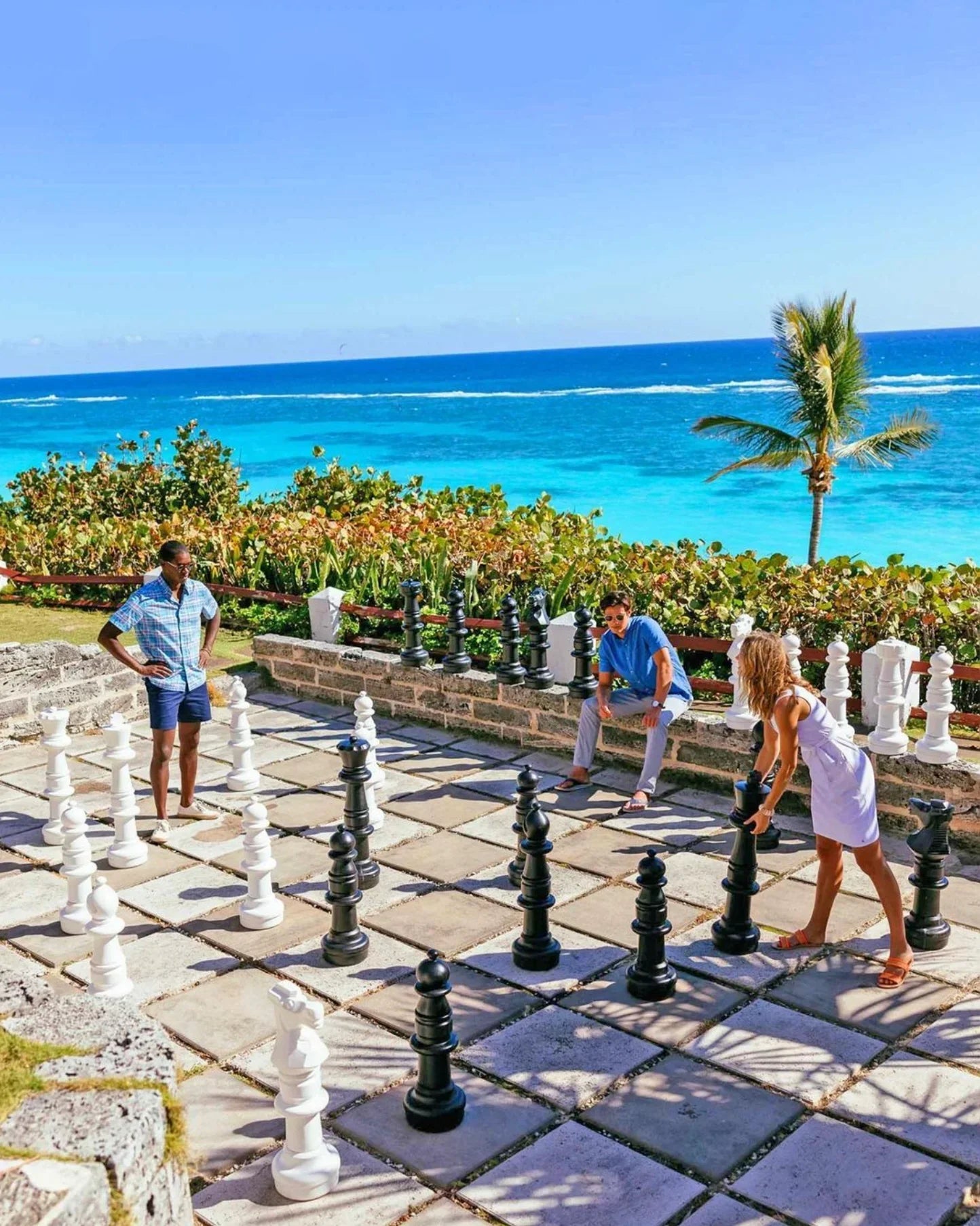
Want unique experiences to boost resort sales? The leading seller of giant chess sets has commercial-grade solutions that keep guests coming back.